
pyShelf 0.3.0
Terminal based ebook server. Open source & Lightweight.

Having used Calibre for hosting my eBook collection in the past, I found myself frustrated having to install X on my server, or manage my library externally, Thus I have decided to spin up my own.
Current Features
- Recursive Scanning
- Fast database access
- Django based frontend
- Basic seaching via a SearchVector of author, title, & file_name fields.
Currently Supported Formats
- epub
Installation Example
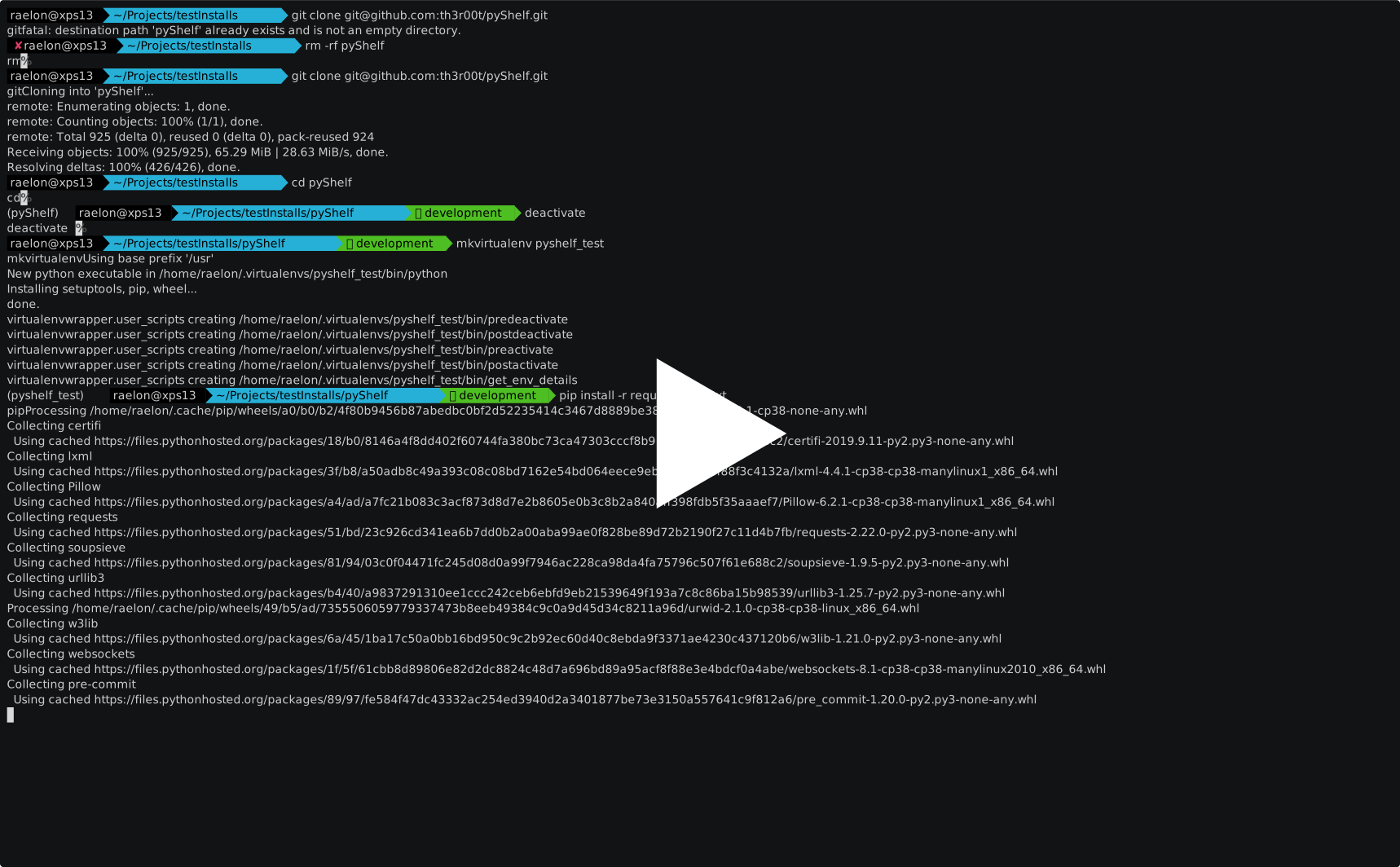
- In addition to the above steps you must now also make the requisite changes in config.json to reflect the connection to your postgresql server

Further Installation & Support Information
0.3.0 Patch Notes.
"And now we search."
Just about all the changes in this release were in some way related to implementing the search features. There is one new requirement
- Requirement: PostgreSQL This is what I believe to be the last infrastructure requirement, users with larger libraries should notice an increase in access speed.
- Feature: Searching The search feature is now implemented. In its current incarnation you will by default search the author, title, & file_name fields. More defined search options will be available in future releases. Searches are paginated @ 20 results per page.
- Discord https://discord.gg/H9TbNJS
- IRC find us on freenode.net @ #pyshelf
Development
-
pre-commitBefore developing, runpre-commit installSee the documentation for more information. -
'Doxygen' Any changes to source should be documented and have run doxygen doxygen.conf prior to commiting.
-
'sem-ver' Before advancing version numbers be sure to set PROJECT_NUMBER in doxygen.conf accordingly.
Configuration
Nginx
Included is a default nginx config file {pyshelf_nginx.conf}. This file should be sufficient to get you up and running. You are required to change the location alias's to reflect your pyshelf install folder leaving everything after /frontend intact.
Further resources for nginx setup may be found @ This nginx, django, & uwsgi, guide
uwsgi
Inside uwsgi.ini you should make changes to reflect your install directory, and the port you wish uwsgi to listen on. Alternativly you can make the requisite changes to listen on a socket instead. This change would also require a change to the pyshelf_nginx.conf file as well.
pyShelf
User configuration is contained within config.json in the project root. You must set book_path to the location of your books, and change the database connection details to match your environment.
Misc
Django has been implemented to power the frontend experience, and web based database maintenance. A properly configured web server is required for hosting the frontend, and a PostgreSQL server for the database, configuration of these servers is outside of the scope of this readme.
Running via the Django test server might be possible, albeit not recomended.
In Progress
- Searching, & further organizational tools.
- Docker image for those who need it.
- Improved cover image storage, and acquisition.
Future Goals
- Support for other book formats (Currently only supporting EPUBS)
- Terminal Backend for catalogue maintenance
- Calculate page count from total characters
- (Thanks to @Fireblend for the idea) https://github.com/th3r00t/pyShelf/issues/3
- Reader for easy integration with your catalogue